If you have multiple accounts — whether as a seller, buyer, distributor, or agency — here is how to switch between them without having to log out.
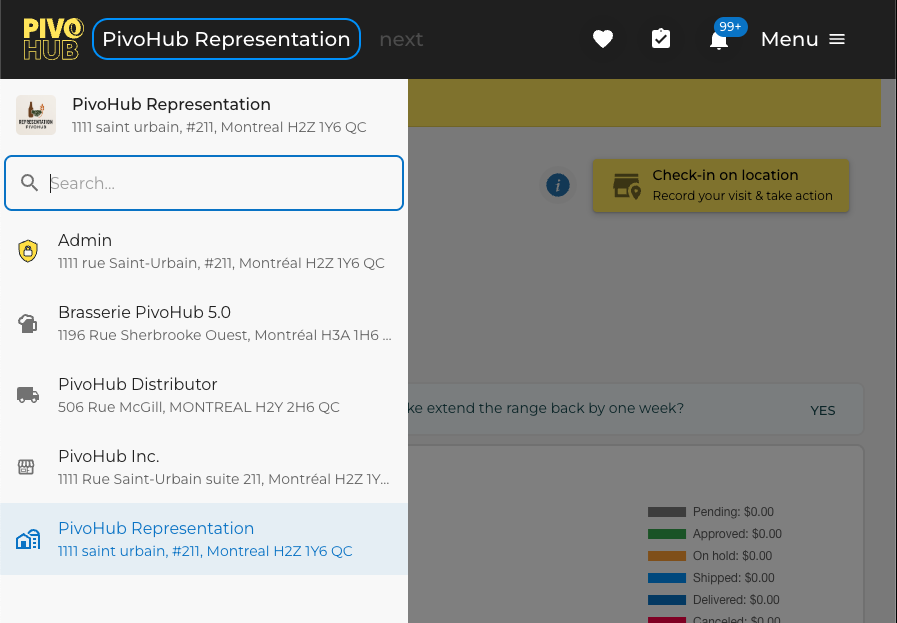
Once logged into one of your accounts, click on the Company Name in the top left bar. All the accounts you have access to will appear.
Click on the Company Name you wish to access.
Was this article helpful?
That’s Great!
Thank you for your feedback
Sorry! We couldn't be helpful
Thank you for your feedback
Feedback sent
We appreciate your effort and will try to fix the article